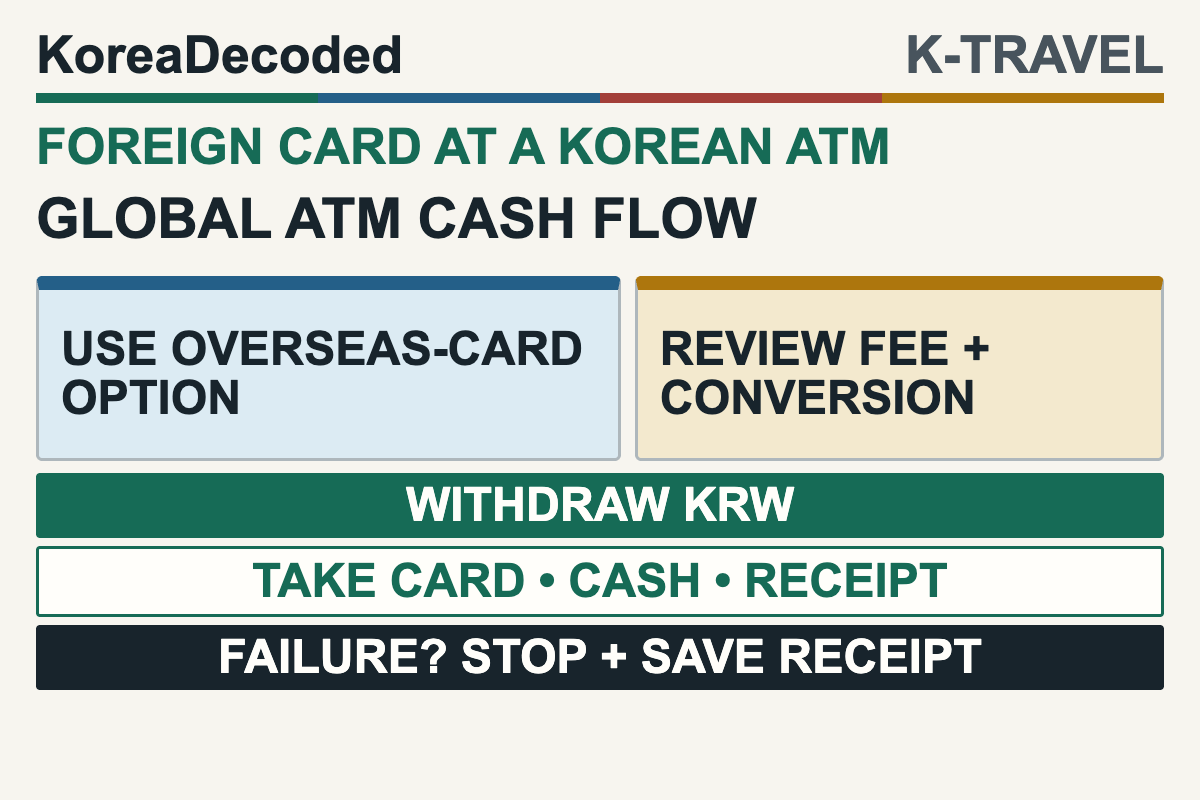
Quick answer: Use an ATM labeled Global ATM or another option that explicitly states it supports cards issued overseas, and check that a network mark on the machine matches your card. Use the overseas-card route offered by that machine, review the operator fee and any currency-conversion offer, withdraw in Korean won, then take your card, cash, and receipt before leaving.
Last checked: July 17, 2026. ATM support, fees, limits, menu labels, and card-issuer rules can change by machine and card. Read the live screen and confirm overseas ATM access with your issuer.
This guide is for an international visitor who needs Korean won from a foreign-issued debit or cash card. It does not guarantee that a specific bank, card, or machine will work, and it does not recommend using a credit card for a cash advance. Credit-card cash withdrawals can follow different fee and interest rules, so check with the issuer before using one.
Written by: KoreaDecoded Editorial Desk. Reviewed by: KoreaDecoded Editorial Review.
Disclosure: KoreaDecoded receives no compensation from the banks, card networks, ATM operators, or locators linked here. There is no affiliate card recommendation in this guide.
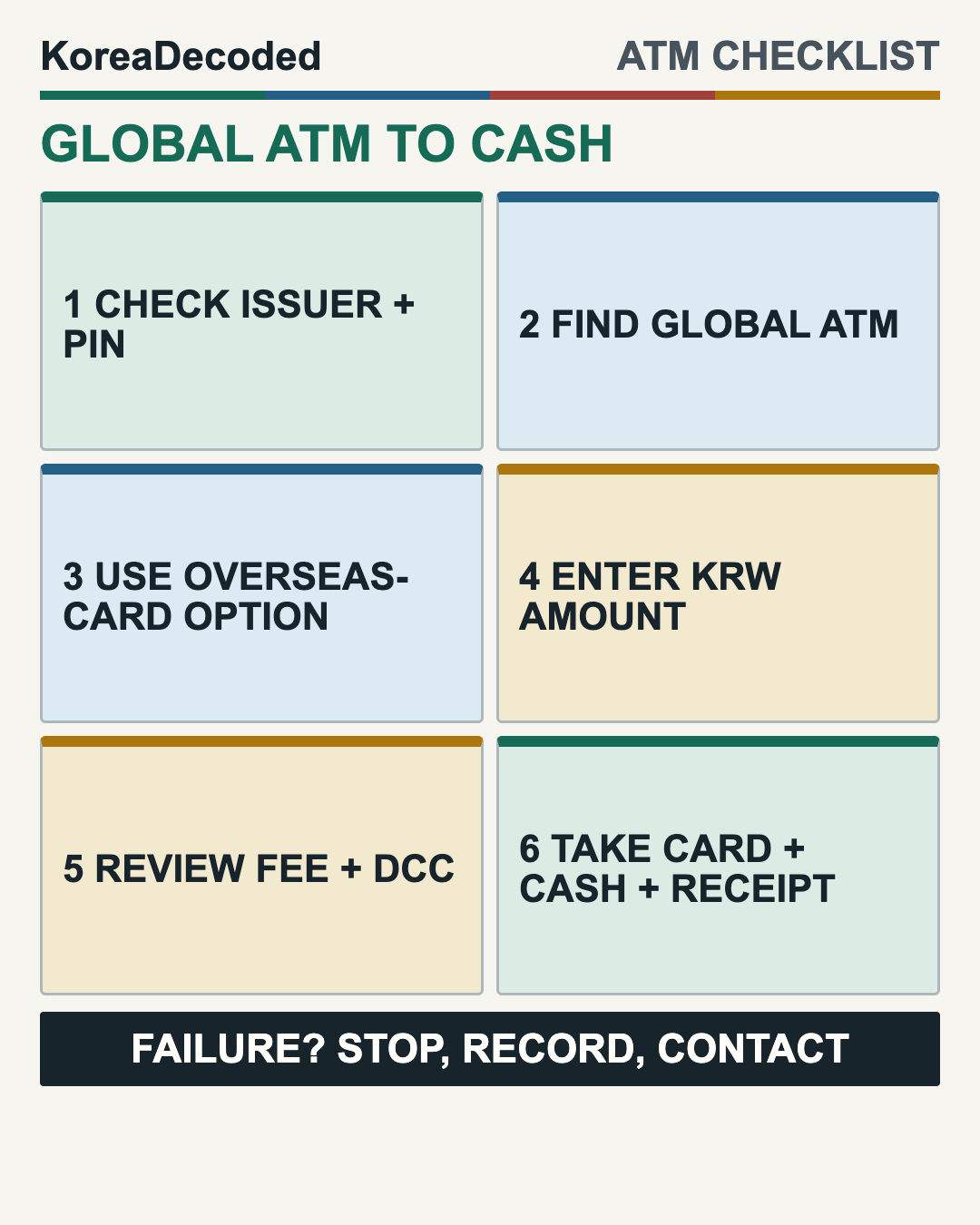
The Six-Step Korean ATM Checklist
- Prepare the card before the trip. Ask the issuer whether international ATM withdrawals are enabled, know the applicable PIN, and check the issuer’s own withdrawal and foreign-transaction charges.
- Find an international-card machine. Look for Global ATM or wording that explicitly says cards issued overseas are supported. Match a Visa/Plus, Mastercard/Maestro/Cirrus, JCB, UnionPay, or other relevant network mark to your card.
- Use the overseas-card option shown by that machine. ATM labels differ, so choose the route that explicitly supports cards issued overseas, then select English if offered.
- Choose cash withdrawal and enter a KRW amount. Use the account option your issuer tells you to use. If the amount is declined, try one lower amount rather than repeating the same failed request.
- Read the final cost screen. Check the ATM operator fee and any offer to convert the transaction into your home currency before you confirm.
- Collect all three items. Take the card, cash, and receipt. Some machines return the card before cash; others use a different sequence.
How to Know Whether a Korean ATM Is Compatible
| What you see | What it means | What to do |
|---|---|---|
| Global ATM / overseas-card support | The machine explicitly offers a route for cards issued overseas. | Match the network mark, then use that route. The wording is helpful, not a guarantee. |
| English button only | The interface has English, but the selected transaction route may still be domestic-card only. | Look for wording that explicitly says cards issued overseas are supported. Change machines if none appears. |
| Matching network mark | The ATM participates in a network shown on your card. | Proceed, while remembering that the issuer or operator may still decline the transaction. |
| No matching mark or overseas-card route | Compatibility is not established. | Do not force repeated attempts. Use another compatible Global ATM or a staffed bank branch. |
For JCB cards issued outside Korea, JCB’s current Korea guidance says to use Global ATMs covered by its network guidance. Hana Bank’s Global ATM FAQ also lists international network marks used by overseas cards. Those sources support checking both the service wording and card network; they do not prove that every card works at every machine or that every ATM uses the same menu label.
Airports, major stations, and bank branches are practical places to look, but the location alone is not proof of compatibility. A building may contain several machines with different services. Check the specific ATM screen and marks before inserting the card. The official Visa ATM Locator and Mastercard ATM Locator can identify candidates; the live machine and issuer still make the final decision.
ATM Fees and the Home-Currency Question
A foreign-card withdrawal can involve more than one cost. Visa’s current travel-card guidance says an overseas ATM transaction can involve an ATM fee and a separate international foreign-exchange charge. That page addresses Visa credit-card use; debit- and cash-card charges still depend on the issuer. The amount can vary by machine, card, account, time, and issuer, so this guide does not publish a universal Korean ATM fee.
The ATM may also offer dynamic currency conversion (DCC): instead of processing the withdrawal only in Korean won, the ATM offers to bill a displayed amount in your home currency. Visa’s current guidance says that a DCC screen should show both currencies, the exchange rate, and additional fees or markup, and should let you accept or decline the conversion.
| Screen choice | Who performs the conversion | What to inspect |
|---|---|---|
| Home currency / accept conversion | The ATM’s DCC provider uses the disclosed exchange rate and any additional fee or markup. | Read the disclosed exchange rate, any additional fee or markup, and the final home-currency amount. |
| KRW / decline conversion | The ATM submits the transaction in KRW. If your card account does not settle in KRW, your network and/or issuer may convert it and apply charges under its terms. | Check your issuer’s exchange-rate method and foreign-transaction charges. |
Do not press the larger or brighter button automatically. Compare the information on the screen with your issuer’s terms. If the ATM does not clearly disclose the choice or you do not understand the final amount, cancel before confirmation and use another machine.
If the Withdrawal Fails
The card is rejected immediately
Stop repeating the same attempt. Confirm that overseas ATM withdrawals are enabled, that the issuer has not blocked the transaction, and that you know the correct PIN requirements. Then try another compatible Global ATM. A card can work for purchases but still be disabled for cash withdrawal.
The amount is declined
ATM and issuer limits can differ. Try one lower amount. If that also fails, do not keep testing random amounts; contact the issuer or move to another compatible machine.
The ATM keeps the card
Stay at the machine and use its assistance number or the staffed branch immediately. Record the bank, location, time, and ATM identifier without photographing other customers or exposing your PIN. If prompt recovery is uncertain, freeze or block the card through the issuer and use your backup payment method.
Your account is debited but no cash appears
Do not make repeated withdrawals to test the machine. For Mastercard transactions, Mastercard’s May 19, 2026 Chargeback Guide provides an issuer dispute path when an account is debited but an ATM does not dispense cash. Other networks and issuers may use different procedures. Keep the receipt, note the exact time, location, requested amount, ATM operator, and machine identifier, use the ATM’s assistance details, and contact your card issuer. Do not rely on a fixed deadline or outcome from a forum post.
A Small Cash Backup Prevents a Big Arrival Problem
Korea accepts cards widely, but a new arrival may still need won for a transport-card reload, a cash-only machine, or a small vendor. Carry a second payment card separately and a modest emergency cash reserve. Never share your PIN or hand a card to a stranger who offers to “fix” the ATM.
If the cash is for transit, read the T-money card guide before withdrawing more than you need. Then use the first-time Seoul subway guide for gates, transfers, and the correct tap-out sequence.
Plan the Next Payment Step
- Choose your Incheon Airport-to-Seoul transfer before arrival.
- Use Korean convenience stores without checkout surprises.
Korean ATM FAQ for Foreign Cards
Will every Global ATM accept my foreign card?
No. The label identifies an international-card service, but acceptance still depends on the card network, issuer settings, ATM operator, PIN, requested amount, and current machine availability.
Is there one standard foreign-card ATM fee in Korea?
No verified universal fee exists. Read the machine’s final fee disclosure and check the issuer’s separate charges before confirming.
Should I use a debit card or credit card?
A debit or cash card enabled for international ATM use is the straightforward withdrawal tool. A credit-card ATM withdrawal may be treated as a cash advance with separate fees and interest. Ask the issuer before using a credit card for cash.
Should I choose Korean won or my home currency?
Compare the ATM’s disclosed DCC exchange rate and any additional fee or markup with your issuer’s terms. Choosing KRW declines the ATM’s home-currency conversion. The ATM then submits the transaction in KRW; if your card account does not settle in KRW, your network and/or issuer may convert it and apply charges under its terms. This guide cannot know which is cheaper for every card.
Official Sources Checked
- Visa: Dynamic Currency Conversion, checked July 17, 2026.
- Visa: Travel Cards and Foreign Transactions, checked July 17, 2026.
- JCB: overseas partner ATMs and Korea guidance, checked July 17, 2026.
- Hana Bank: Global ATM FAQ and international network marks, checked July 17, 2026.
- Mastercard: Chargeback Guide, ATM Disputes, effective May 19, 2026.
- Incheon International Airport: current facility directory, checked July 17, 2026.
Editorial boundary: This article explains a general task using current first-party guidance. It does not compare bank prices, promise card acceptance, provide a universal withdrawal limit, or replace your card issuer’s instructions.